
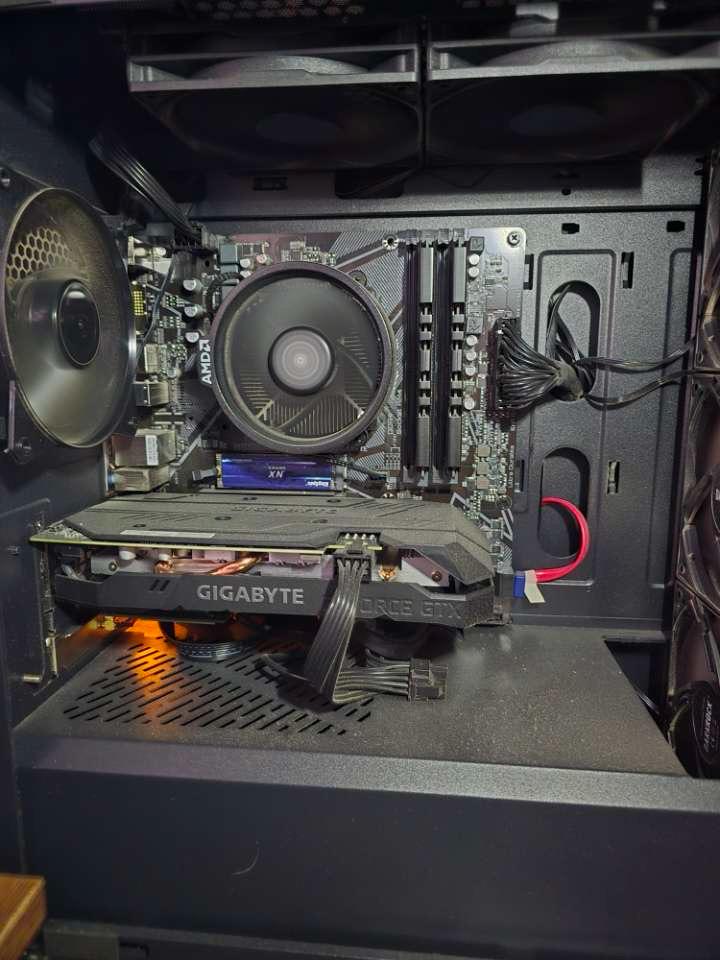
Custom desktop internal hardware
Motherboard, cooling, and graphics components installed and cable-managed for stable performance.
Gallery · Real Work
Every image below comes from real DiazTech repair and upgrade work. These examples show the same careful process used for each phone, laptop, desktop, and custom PC project.
The goal is simple: clean workmanship, honest diagnostics, and results that hold up after handoff.
Repair Showcase
This gallery highlights real device states during repair, restoration, and upgrade stages.
Motherboard, cooling, and graphics components installed and cable-managed for stable performance.
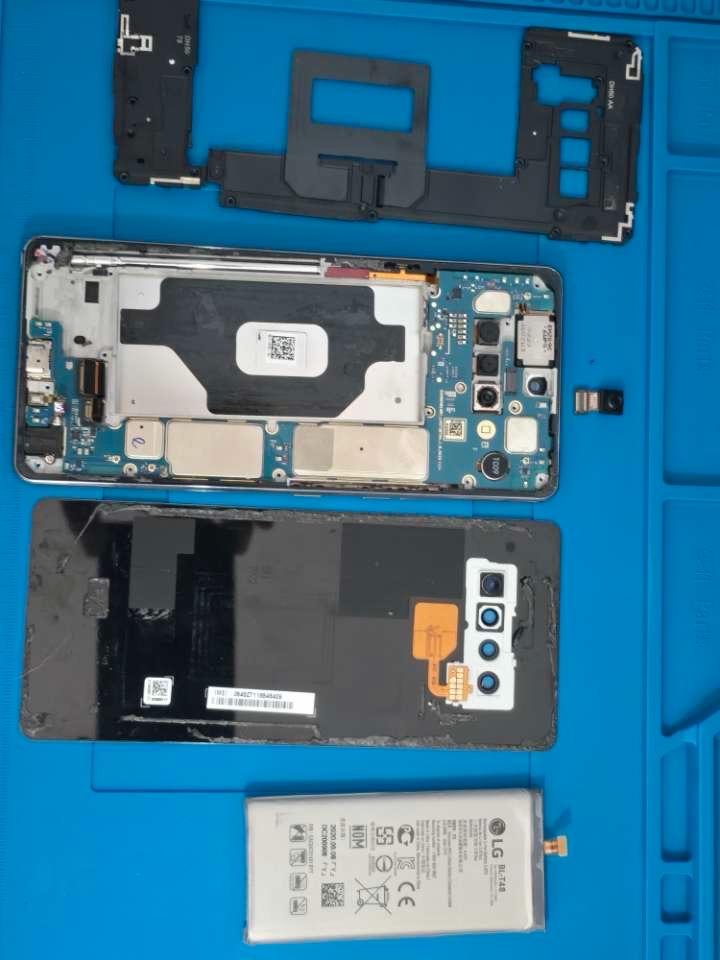
Internal frame, battery, and camera assembly exposed for targeted diagnostics and repair planning.
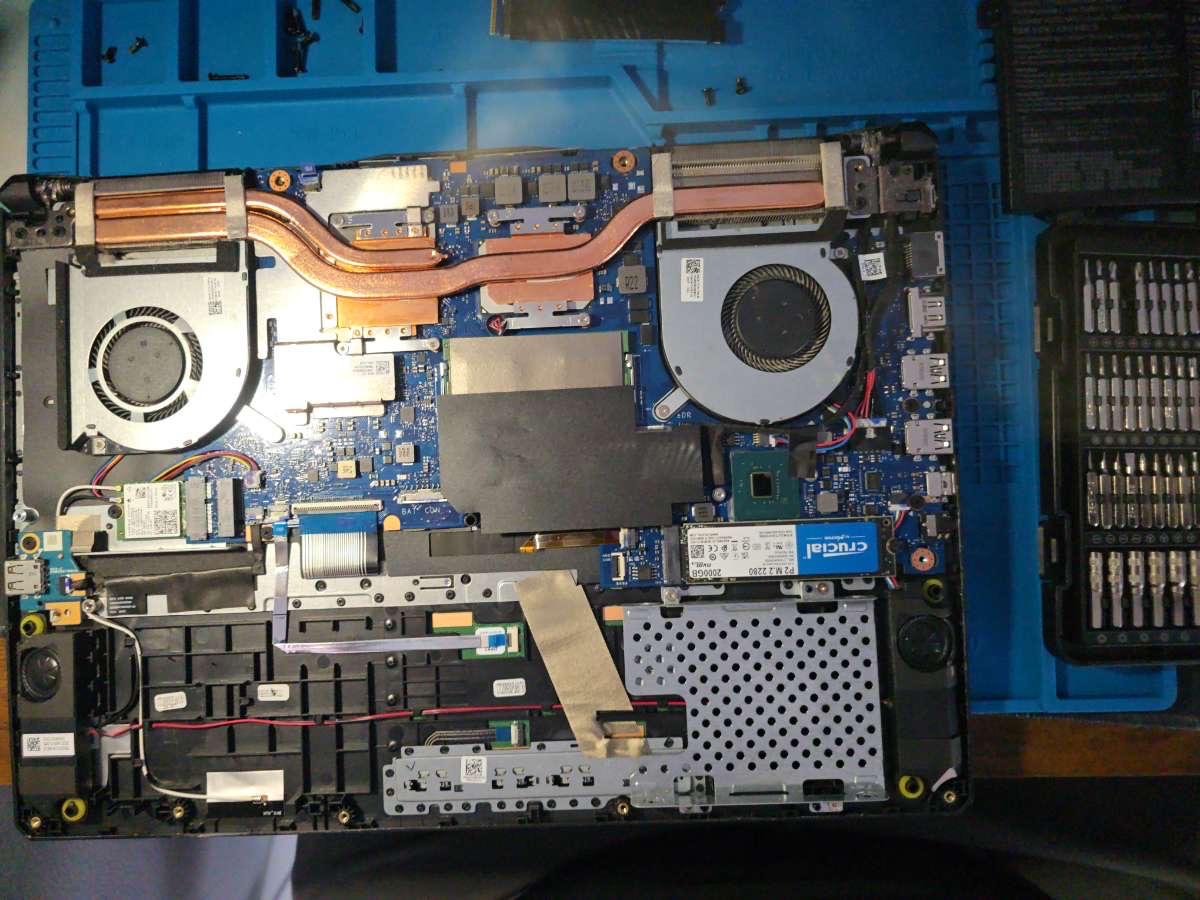
Cooling path and motherboard area inspected while verifying thermal and storage-related issues.
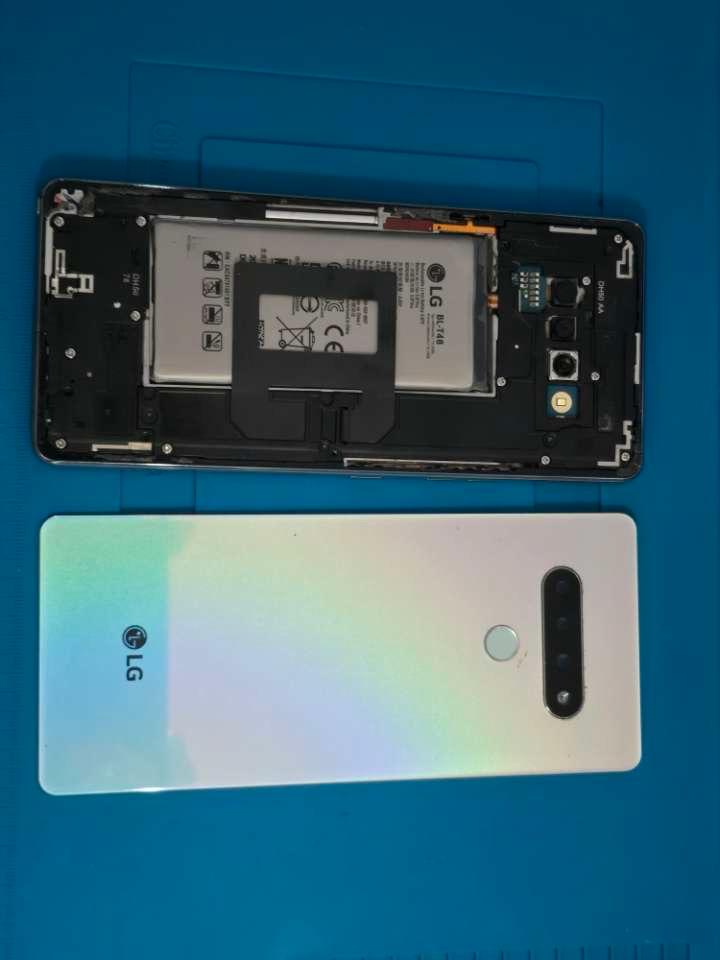
Component seating and housing alignment checked before final close and post-repair testing.
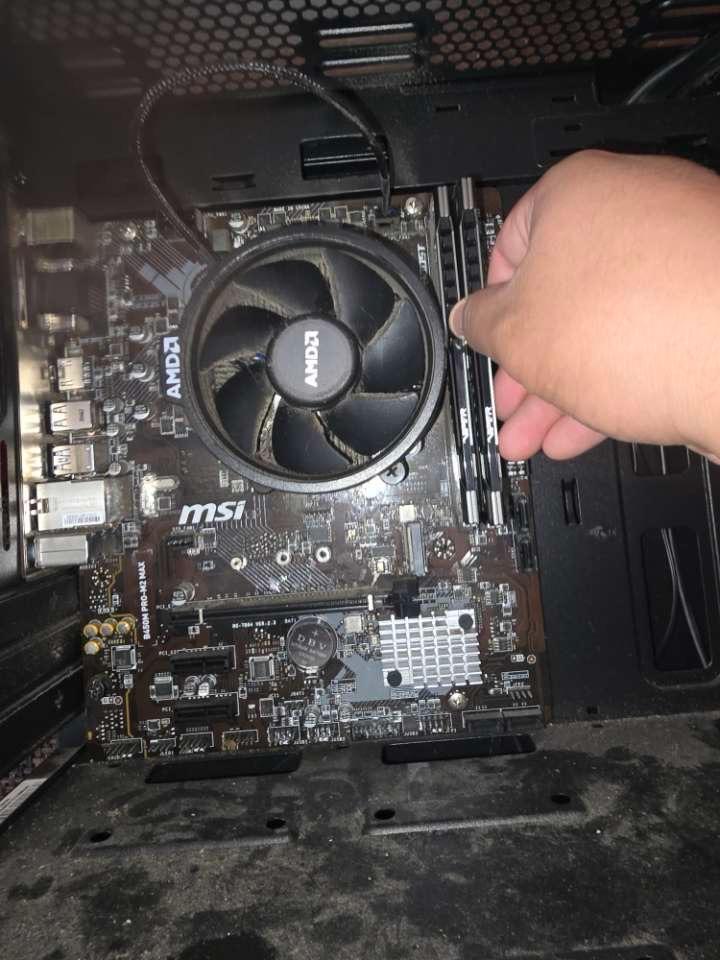
Memory upgrade completed with compatibility checks and configuration validation.
Craft over shortcuts
Each repair photo represents one standard: do the work carefully, verify the result, and return devices with confidence.
Need your device checked?
If your phone, tablet, laptop, or desktop is acting up, share the issue and receive a straightforward plan before any paid work starts.
Send your issue details and DiazTech will follow up with diagnosis options: $40 basic or $75 advanced diagnostic.
Get a Quote Browse services